
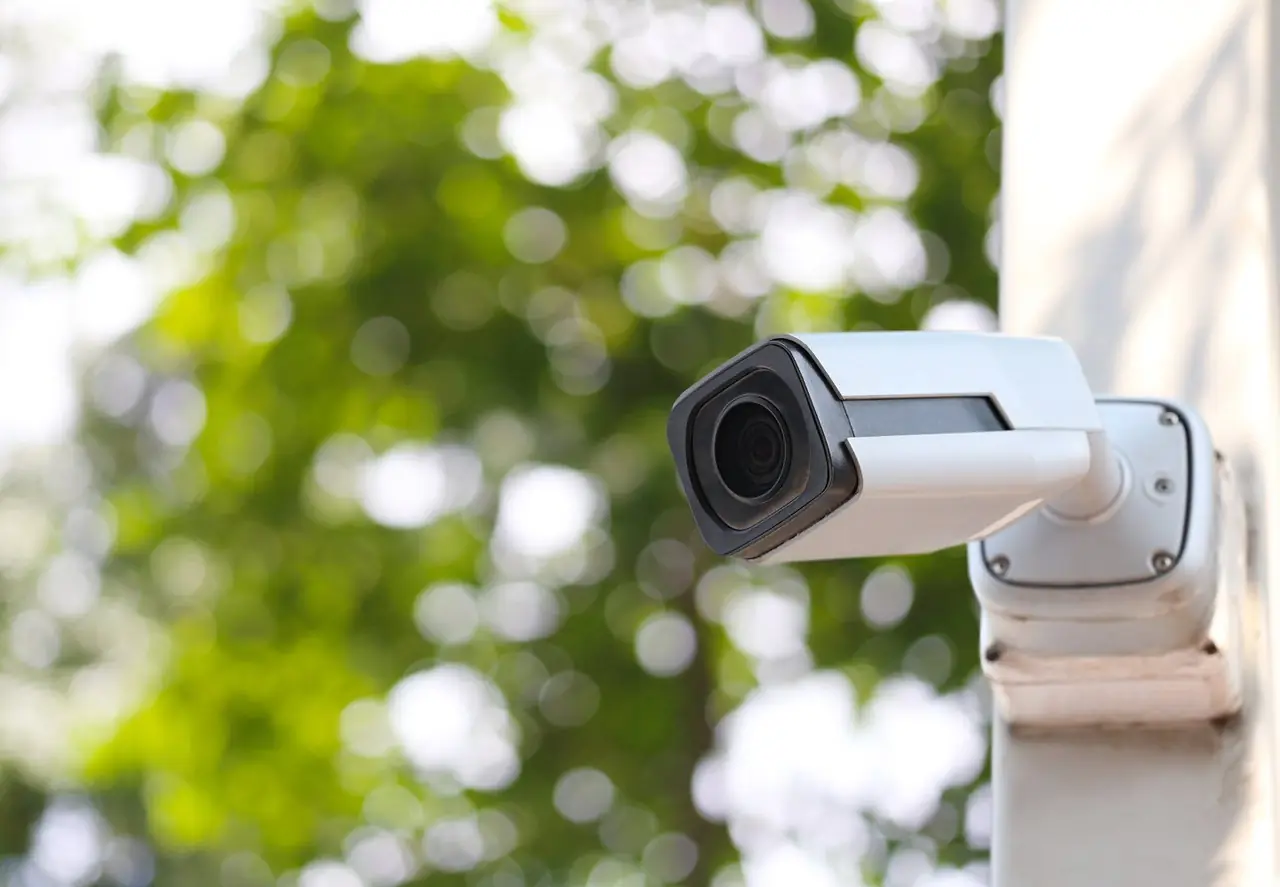
Whether you run a retail shop, an office, a warehouse or a restaurant, a camera system only helps if it shows what you need, when you need it. Before you buy new cameras or add to the ones you have, it is worth walking through a few practical questions. Here is the checklist we use with business owners across the entire DFW Metroplex and surrounding areas.
1. Start with what you need to see
Walk your property and list the spots that matter: entrances and exits, registers and counters, stockrooms, loading doors, parking areas and any place where cash or inventory changes hands. For each one, decide whether you need to identify a face or plate, or just see general activity. That choice drives camera placement and lens type more than anything else.
2. Think about lighting, day and night
A view that looks great at noon can be useless after dark or when the afternoon sun hits a glass storefront. Check each location at different times of day. Good camera selection and careful aiming handle most glare and low-light problems.
3. Decide how footage is recorded and kept
Most business systems record to a network video recorder (NVR) on site. Ask yourself how far back you want to be able to look, who should be able to pull footage, and where the recorder is physically kept. A recorder that sits in the open can be unplugged or carried off, so a locked, ventilated spot is best.
4. Plan remote viewing the safe way
Checking your cameras from your phone is convenient, but it should be set up carefully: change default passwords, keep firmware updated and avoid exposing the recorder directly to the internet. If you are not sure how your current system is reachable from outside, that is worth reviewing. Our network security analysis can help.
5. Get the cabling right
Wired cameras powered over ethernet (PoE) are usually the most reliable choice for businesses. Clean, properly run and labeled cable makes the system easier to service later. See our network cabling and wiring service for more.
6. Plan for upkeep
Lenses get dusty, storms move mounts, hard drives wear out and passwords get shared. Put a simple routine on the calendar: check every view, confirm recording is working and review who has access.
A bonus: your cameras can do more
If you want to understand how busy your location is, Clear Counts adds foot-traffic counts to your existing system. Uses your existing cameras. Anonymous counts only. No facial recognition.
Need a second set of eyes?
DFW Tech Relief installs and services security camera systems for businesses and homes in the entire DFW Metroplex and surrounding areas. Call (682) 382-0038 or email info@dfwtechrelief.com to talk through your setup.