
Most small businesses do not think about their network until something stops working: the card reader will not connect, the Wi-Fi crawls during a busy hour, or a camera goes offline. The good news is that networks usually give warning signs first. Here are the ones we see most often with business owners in the entire DFW Metroplex and surrounding areas.
Slow or spotty Wi-Fi in parts of the building
If staff or customers complain about dead zones, the cause is often access point placement, interference or an older router doing too much. Moving or adding access points, and running cable to them, usually helps more than paying for a faster internet plan.
Payment terminals or POS stations dropping off
Point-of-sale systems and card readers need a steady connection. If transactions hang or devices drop off at random, check whether they share a crowded Wi-Fi network with guests and personal phones. Putting business devices on a wired connection or their own network can make them more dependable.
Guests share the same network as your business devices
Giving customers your main Wi-Fi password means their devices sit on the same network as your computers, cameras and POS. A separate guest network is a simple, worthwhile fix.
Nobody knows the admin passwords
If the person who set up your router or firewall has moved on and no one has the login, you cannot update or secure it. Collect your credentials in a safe place and change any defaults.
Unknown devices on the network
Over time, printers, smart TVs, old laptops and gadgets pile up. A periodic review of what is connected helps you spot things that do not belong. Our network security analysis is built for exactly this.
Messy or unlabeled cabling
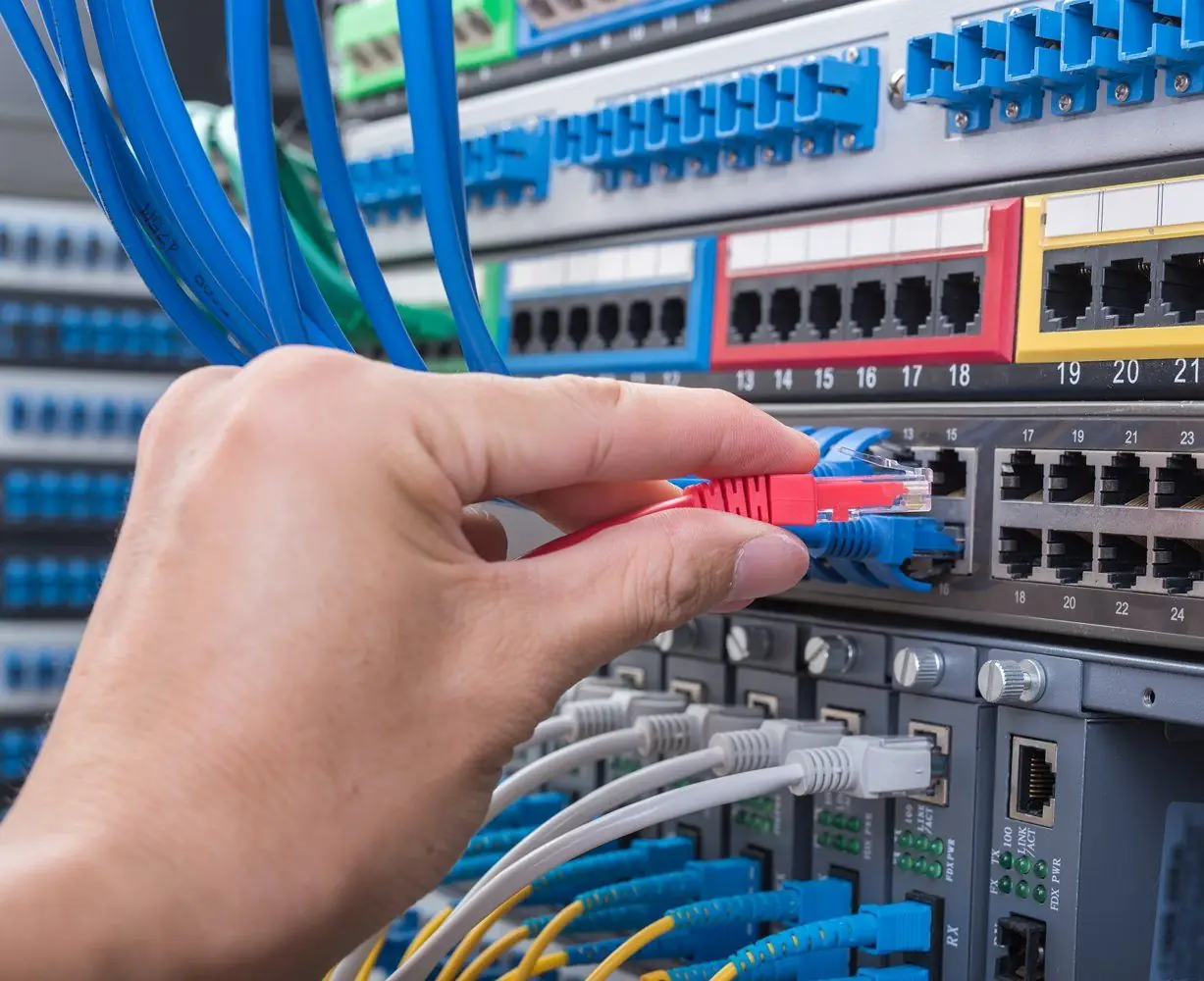
A tangle of cables in a closet makes every repair slower. Clean, labeled network cabling saves time whenever something needs to change.
Problems you only find out about later
If you only learn that a device, backup or camera failed after the fact, ongoing remote management and monitoring can flag issues sooner.
Let us take a look
DFW Tech Relief helps businesses in the entire DFW Metroplex and surrounding areas with network setup, IT support and POS connectivity. Call (682) 382-0038 or email info@dfwtechrelief.com to schedule a visit.